Insights
Overview
Insights provides deeper analytics than Profit and Loss, with a focus on business performance trends, lead pipeline health, and operational metrics.
Insights needs an active Apex Lucis Pro subscription. Without it, the Insights card still appears on the Business screen, and opening it shows the upgrade screen.
Accessing Insights
Business tab → Insights
Insights Sections
Choose a section from the chips at the top. On a Mac, ⌘1 to ⌘5 choose them from the keyboard.
Overview
- A scorecard of Bookings, Revenue, Lead Conversion and Average Invoice for this financial year so far, each compared with the same point last year — “+4 on last year”, “Same as last year”
- Bookings, Last 12 Months
- Observations — things worth knowing, such as a low conversion rate or invoices running overdue. Most open the screen where you can do something about them
Business
- Revenue by Client
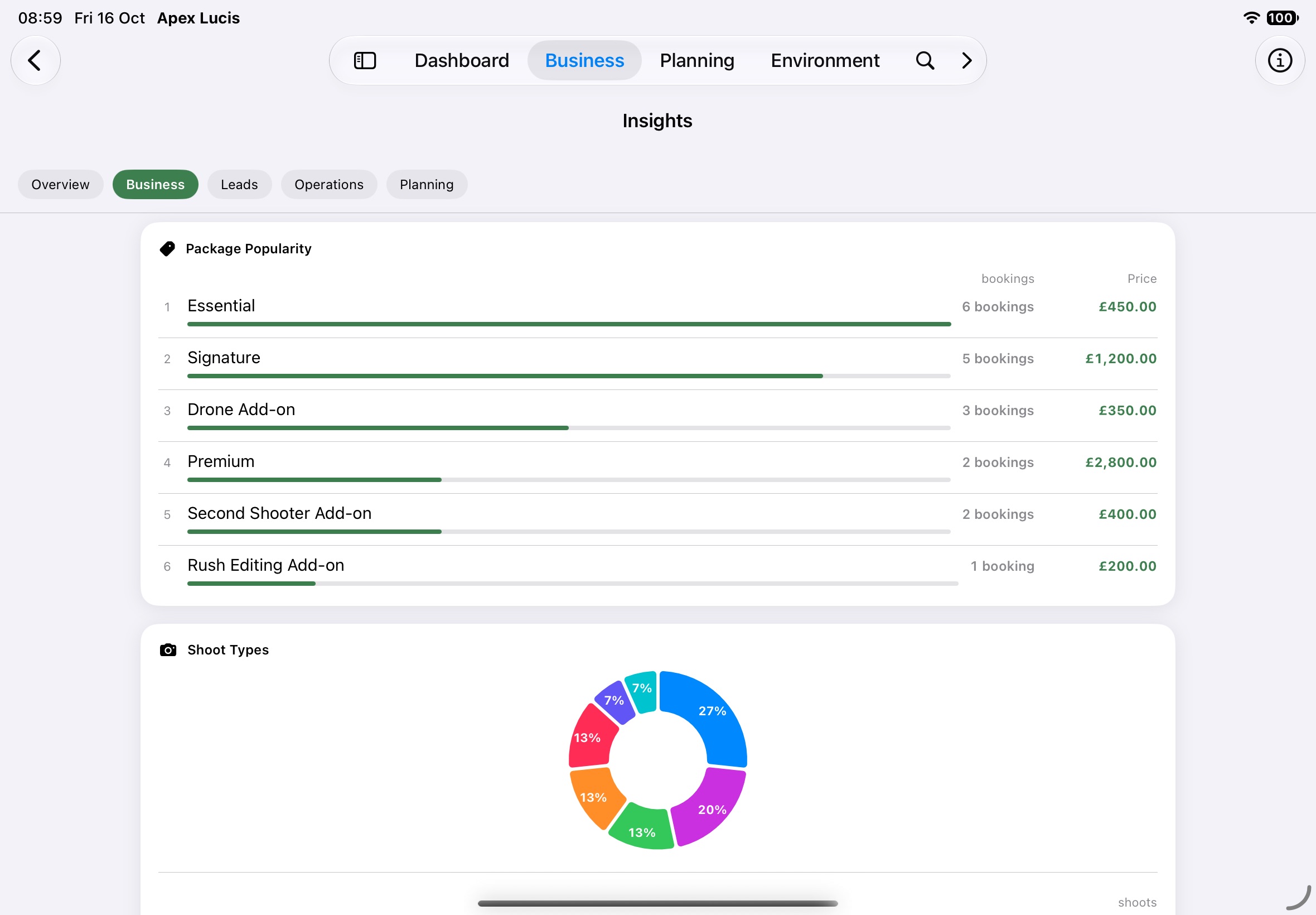
- Shoot Types
- Package Popularity
- Client Retention
- Payment Speed — how long each invoice took to be paid
Leads
- Pipeline Funnel — how many leads reached each stage
- Pipeline Velocity — how long leads take to move, and enquiry to booking
- Lead Sources and Revenue by Lead Source
Operations
- Most Used Locations
- Most Used Crew & Talent
- Vendor Directory
- Studio Hire
- Permit Costs
Planning
- Preferred Light Windows — when you plan your shots
- Seasonal Patterns
- Equipment Health — what needs a service