Clients
Overview
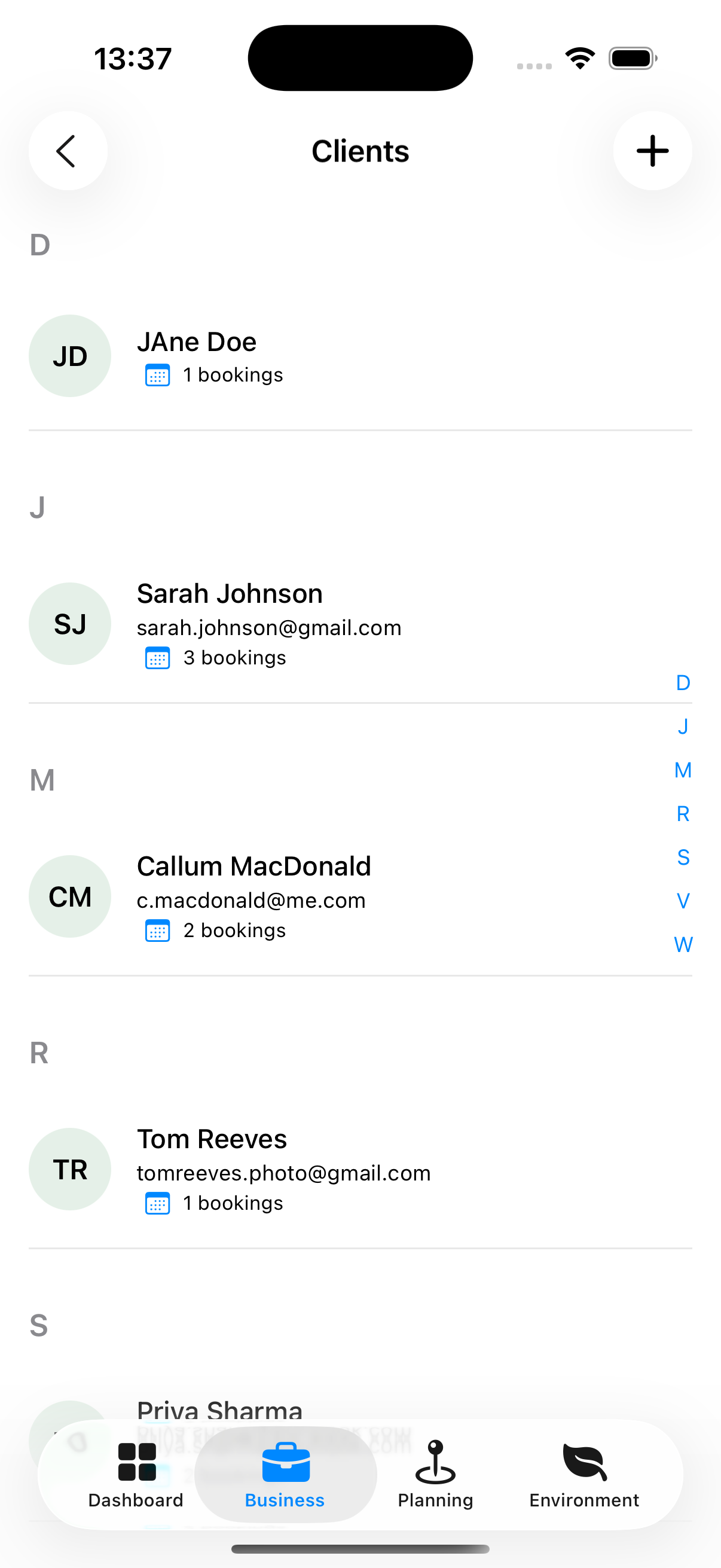
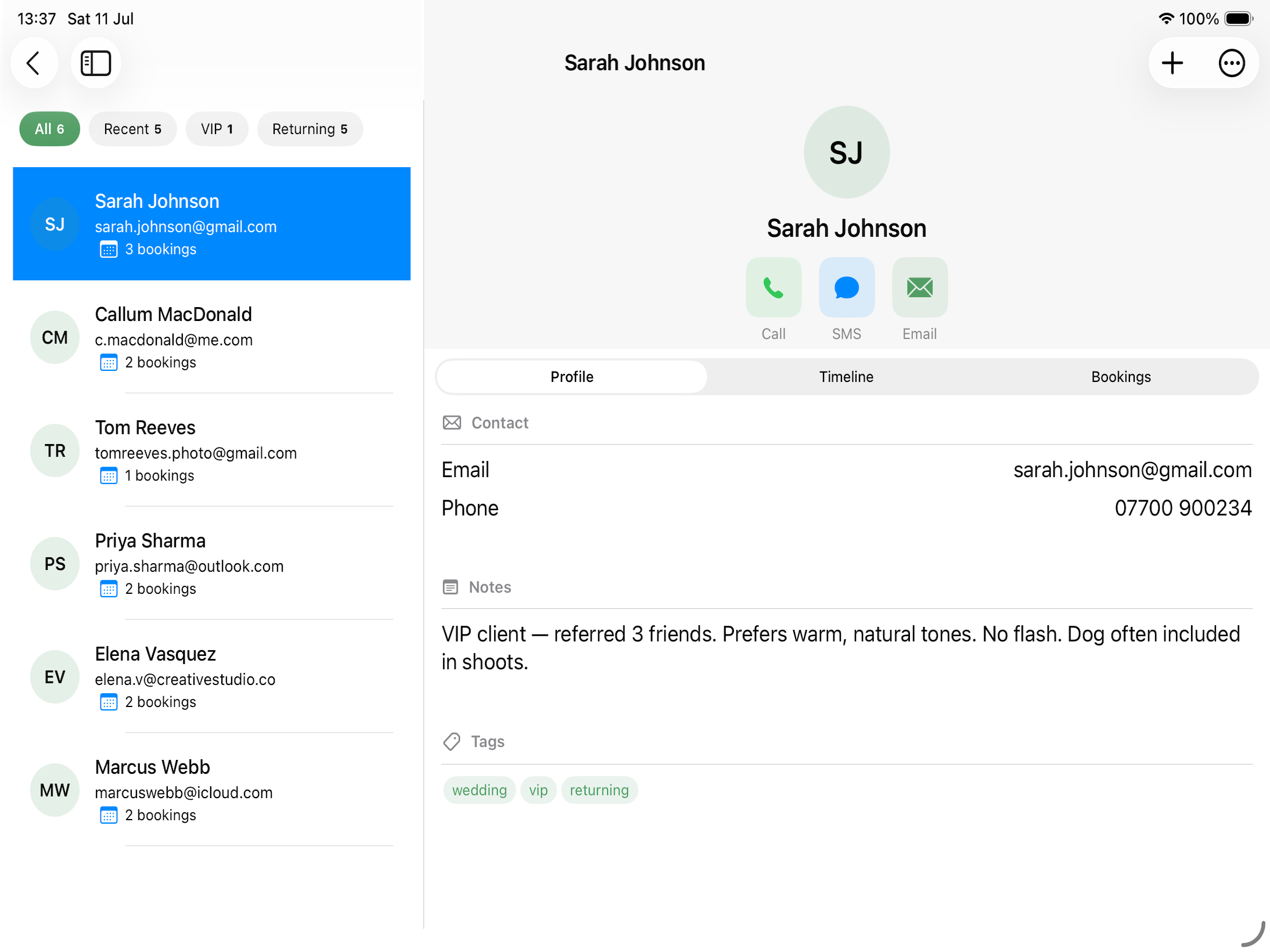
The Clients section stores everyone you shoot for. Each client has a contact profile, booking history, and interaction timeline.
iPhone iPad/Mac
Accessing Clients
Business tab → Clients
Creating a Client
- Tap + (top right)
- Enter:
- First and last name (required)
- Email address
- Phone number
- Notes
- Tap Save
Client Detail Screen
Tapping a client opens their detail screen.
- Header — Name, photo, type badge, tap-to-call / tap-to-email buttons
- Profile — Notes, speciality, rates
- Timeline — Interaction log
- Booking History — Every booking they’ve been part of
Finding a Client
Clients are grouped by the initial of their surname, with an alphabet index down the right edge of the list. Tap a letter to jump to it.
Use the search bar at the top to filter by name, email or phone number. Results update as you type.