Profit and Loss
Overview
The Profit and Loss screen gives you a complete picture of your photography business’s financial health — revenue, expenses, and profit — for any time period.
Pro Required: Profit and Loss needs an active Apex Lucis Pro subscription. Without it, the P&L card still appears on the Business screen, and opening it shows the upgrade screen.
Accessing Financials
Business tab → P&L
The Three Tabs
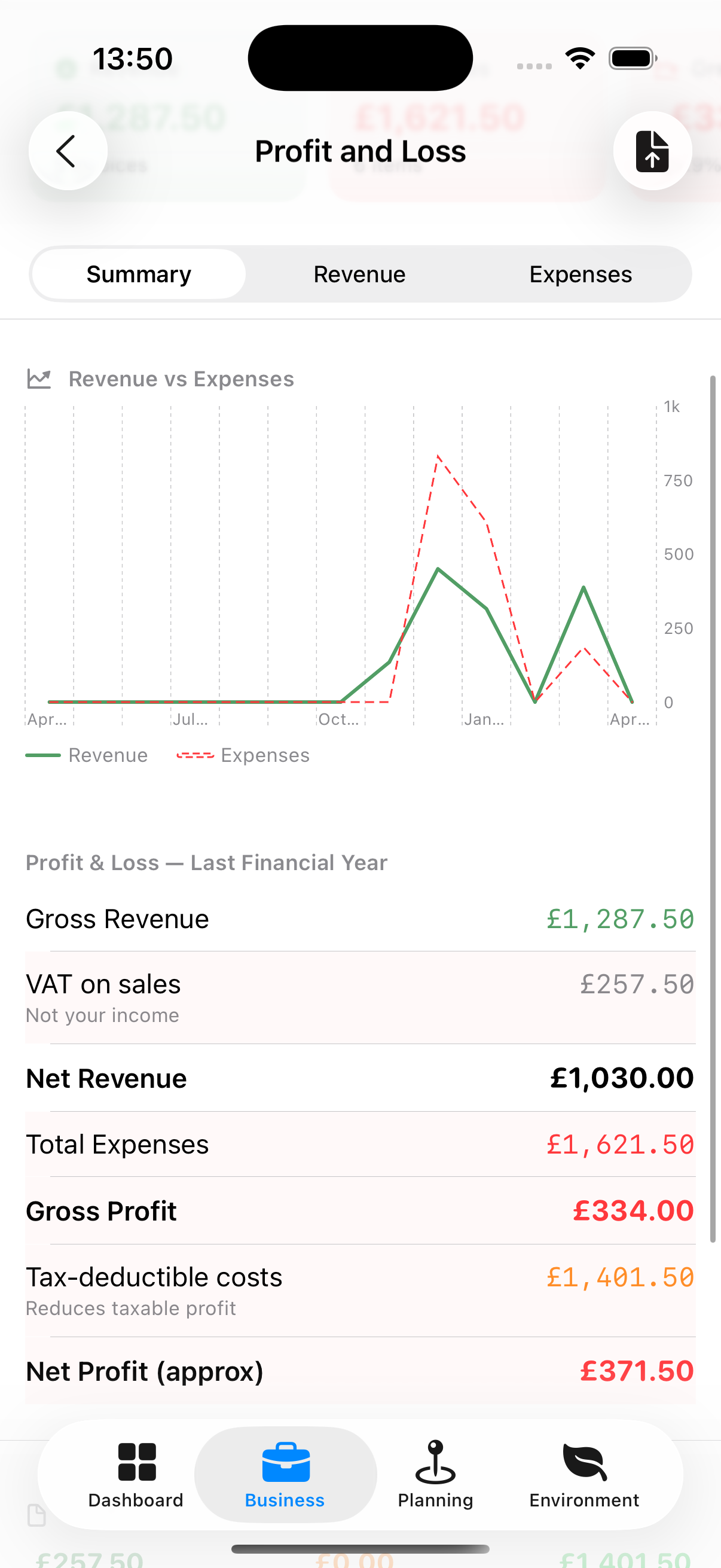
Summary Tab
- Gross revenue
- Total expenses
- Net profit
- Tax owed (estimated based on your tax rate)
- Mileage claims total
- Year-on-year comparison (if prior year data exists)
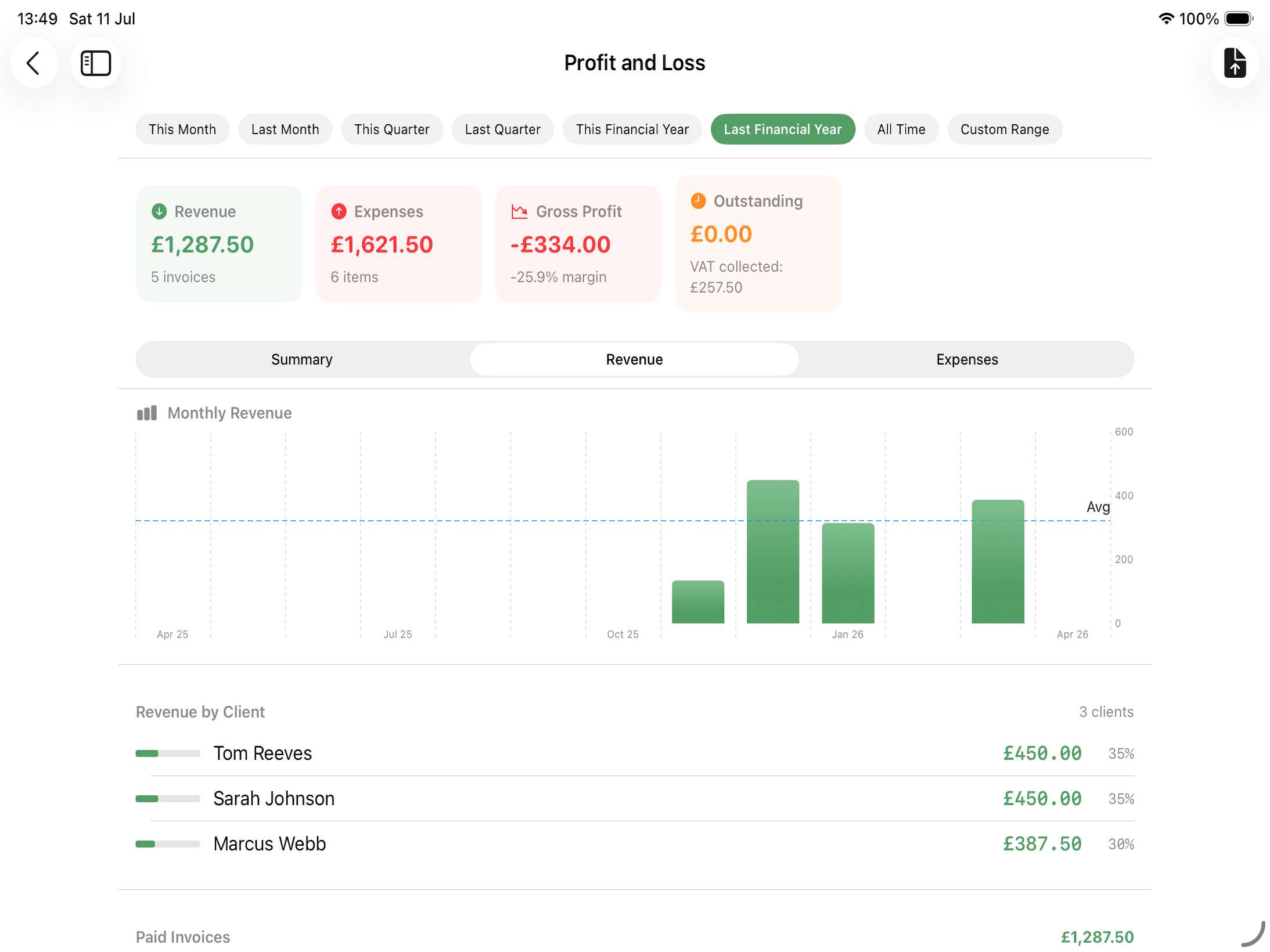
Revenue Tab
- Total revenue for the period (sum of all paid invoices, including anything recharged to a client)
- Revenue by client (ranked list)
- Revenue trend chart (line graph by week, month, or custom period)
- Number of shoots completed
Expenses Tab
- Total spending for the period
- Breakdown by category (pie chart + list)
- Tax-deductible total vs. non-deductible
- Largest expense items
Period Filters
Use the date range picker at the top to select:
- This month
- Last month
- This quarter
- Last quarter
- This Financial year
- Last Financial year
- All Time
- Custom — Set any start and end date
The financial year start date is set in Settings → Business (default: 6 April for UK).
A Recharged Cost Appears Twice, on Purpose
A £750 studio hire billed on to the client at £900 shows as a £750 expense and as £900 of revenue. Netted off, the shoot made £150 on it. That is what the markup was for, and it is why both figures have to be there.
Disclaimer: Apex Lucis provides this as information. Always consult an accountant before declaring your finances. The full position is in Settings → Disclaimer.
Exporting Financial Reports
Tap Export (PDF icon) to generate a PDF summary of the selected period. The PDF includes:
- Period summary
- Revenue breakdown
- Expense breakdown
- Net profit calculation
- Tax summary