Packages
Overview
Packages are reusable pricing templates. Instead of pricing each booking from scratch, you define your standard offerings once and apply them to bookings.
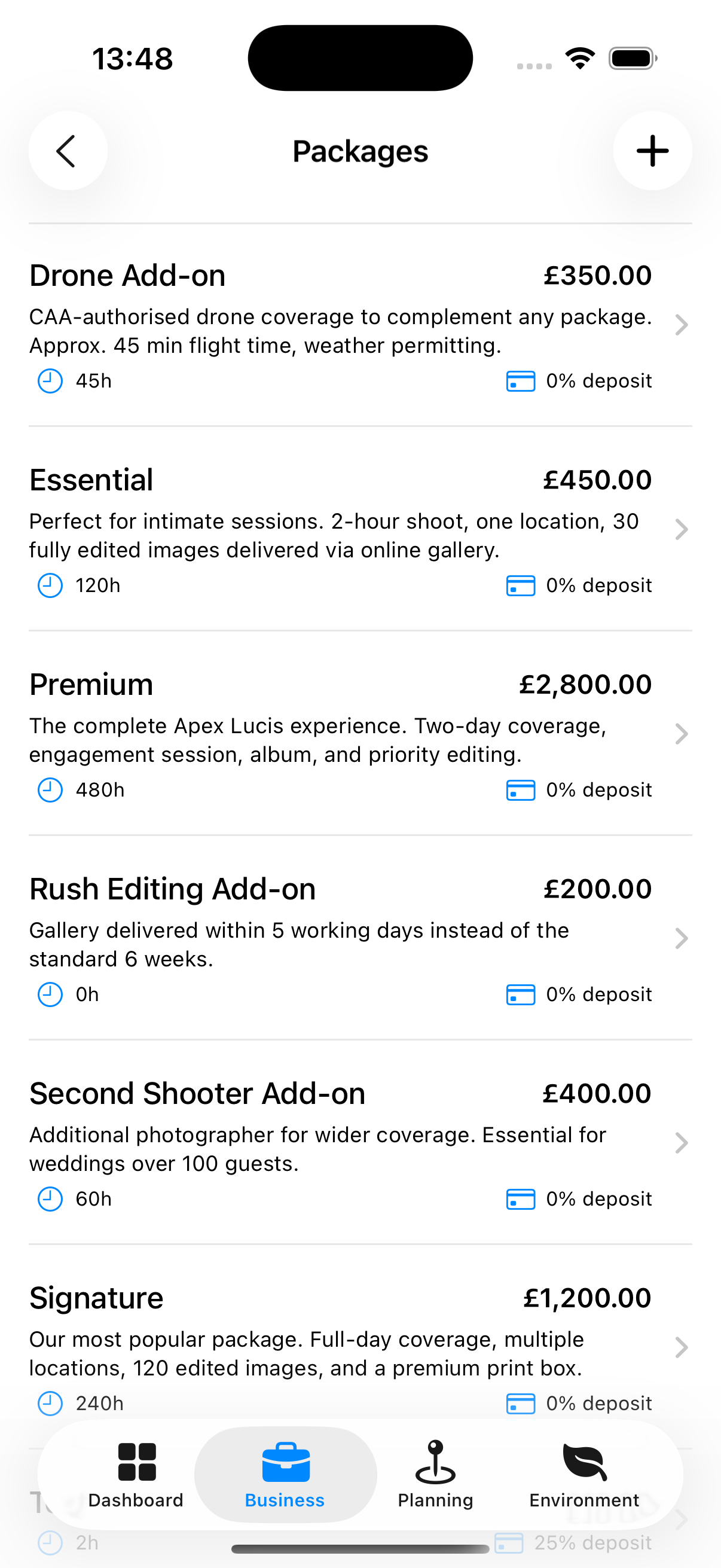
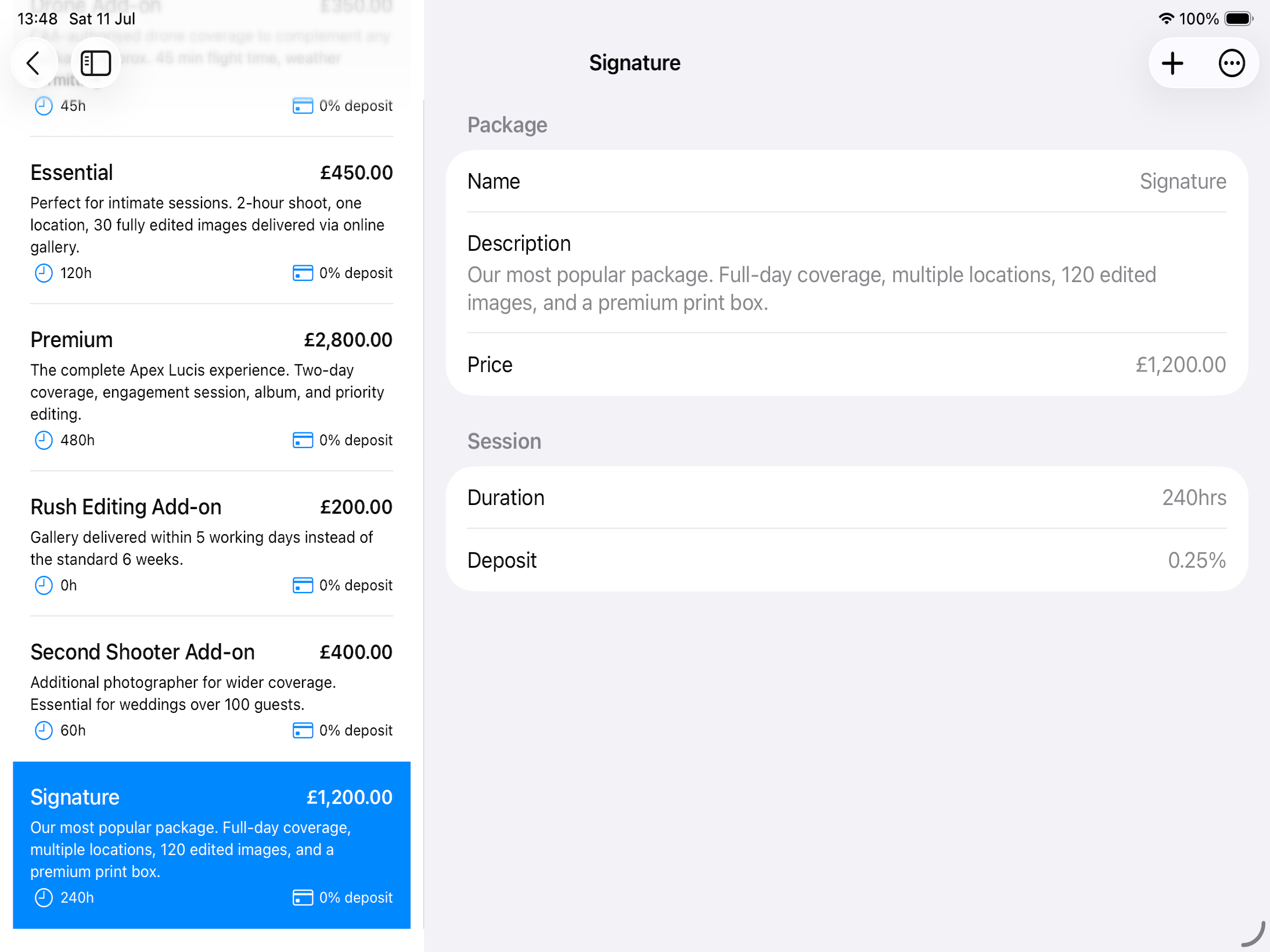
Accessing Packages
Business tab → Packages
Creating a Package
- Tap +
- Enter:
- Name (required) — e.g., “Half-Day Portrait Session”
- Price (required) — Your standard charge, excluding tax
- Description — What’s included
- Duration — Default shoot duration in hours/days
- Tap Save
Agreed Turnaround
Switch on Agreed turnaround and set how many days after the shoot this package is promised in.
It is what a booking offers as the delivery date when this package is handed over — so an album sold on twelve weeks and a gallery sold on two both get the date the client was actually told, rather than one house figure for everything.
Leave it off and the package uses your standard turnaround from Settings → Business.
Tip: Set it on the packages you sell most. It is the difference between a promised date you can defend and one you have to work out again every time.
Using Packages in Bookings
When adding a package to a booking, the prices will be used when creating deposit and balance invoices.
Tip: Create packages for your most common shoot types. For bespoke commercial work, you can still price bookings manually without using a package.