Wildlife
Overview
For wildlife and nature photographers, the Wildlife module shows which species have recently been observed near your saved locations, their seasonal presence patterns, and detailed species profiles.
Data is sourced from GBIF.
Accessing Wildlife
Environment tab → Wildlife
Selecting a Location
Choose one of your saved locations (that has a location type of Wildlife). The module fetches recent sightings within a radius of that location.
Species List
A scrollable list of all species recently observed nearby, grouped by class:
- Birds
- Mammals
- Reptiles
- Amphibians
- Insects
Filter by class using the chips at the top.
Each species row shows:
- Common name
- Scientific name
- A Taxon Chip (colour-coded by class)
Species Detail View
Tapping a species opens a full profile with five sections:
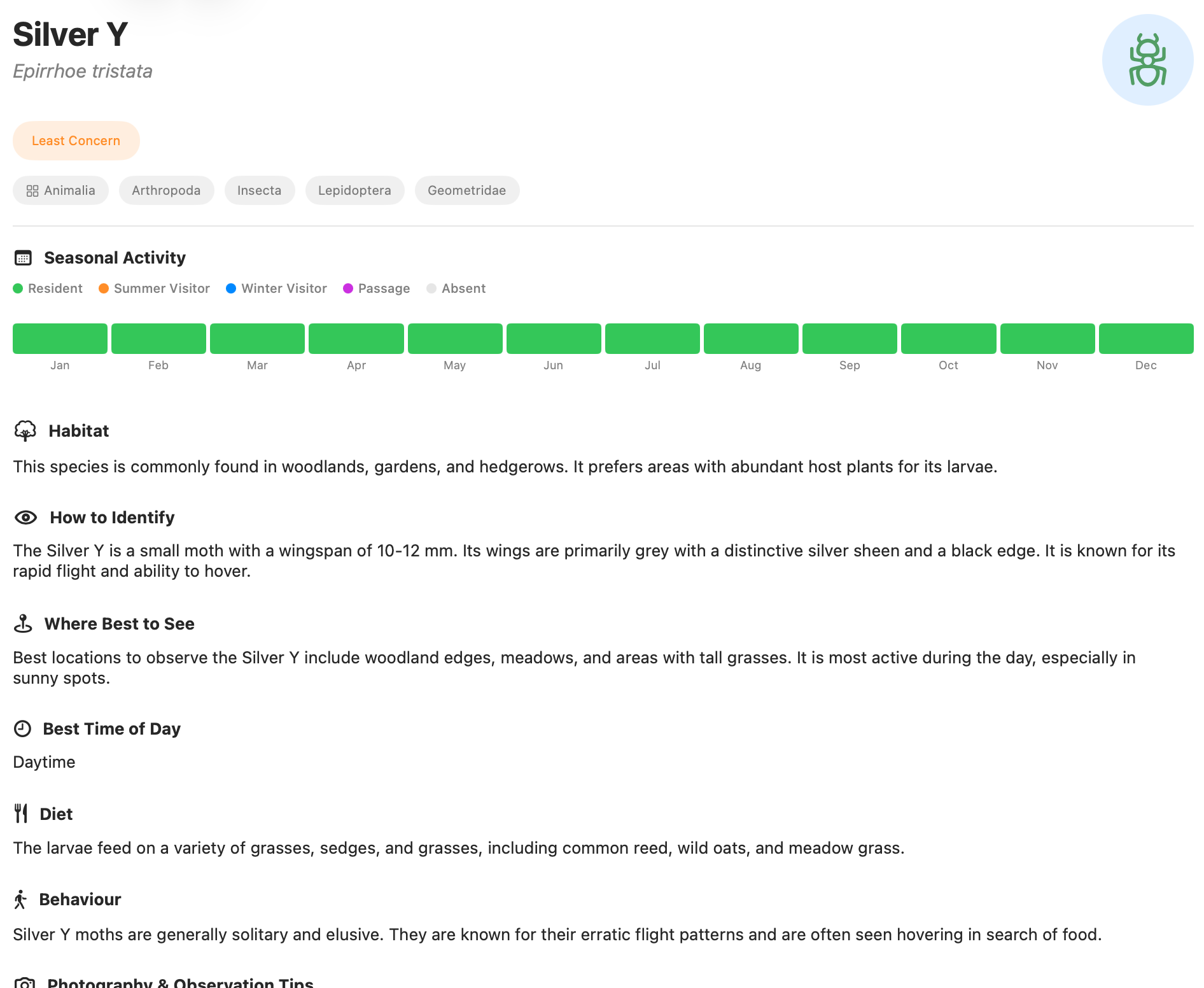
Header Species name (common and scientific), class, and a representative image if available.
Field Guide Description of the species, habitat, and behaviour — helps you understand where and how to find it for photography.
Basic Info Card Conservation status, GBIF taxonomy, native range.
Seasonality Chart A 12-month calendar showing how common the species is in each month, using colour coding:
- Dark green: Common
- Medium green: Fairly common
- Light green: Uncommon
- Grey: Rare
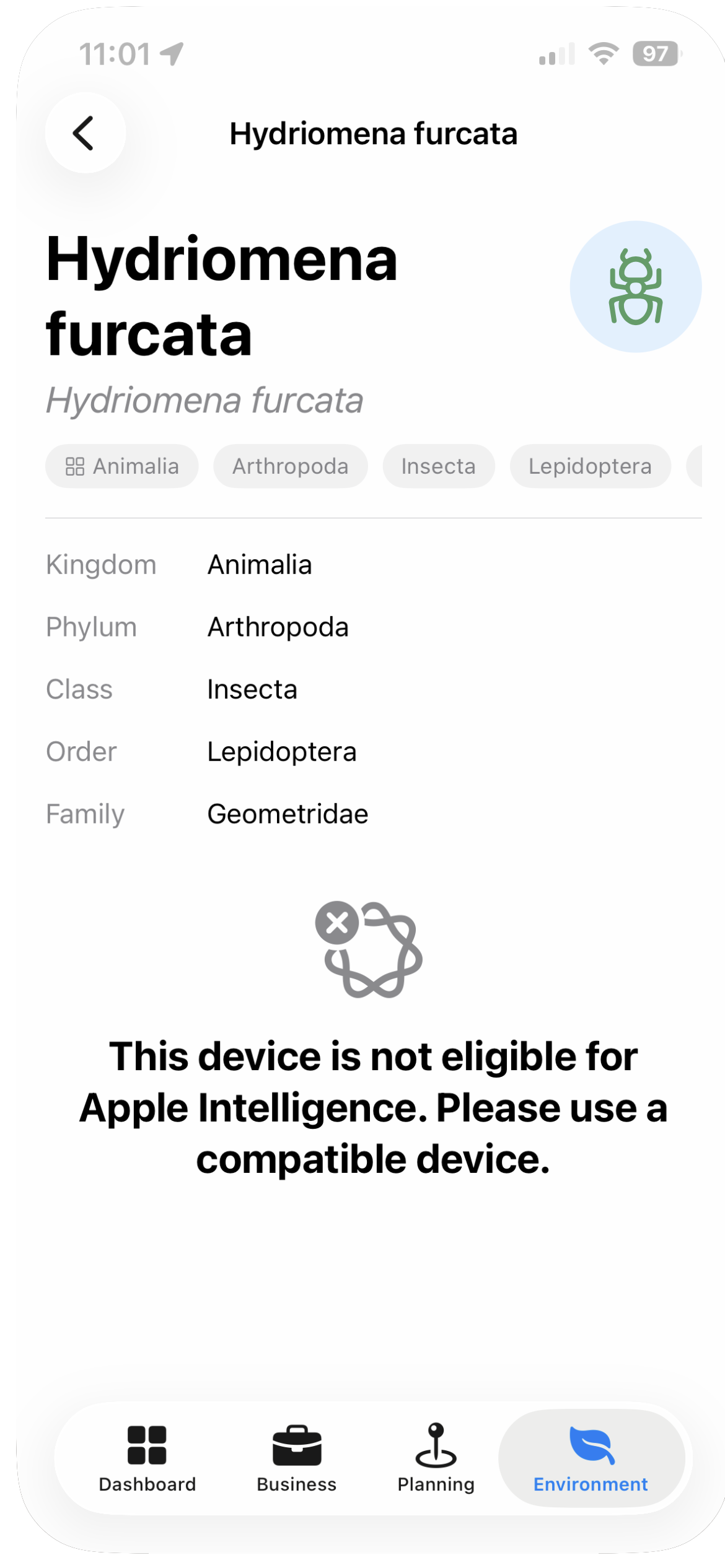
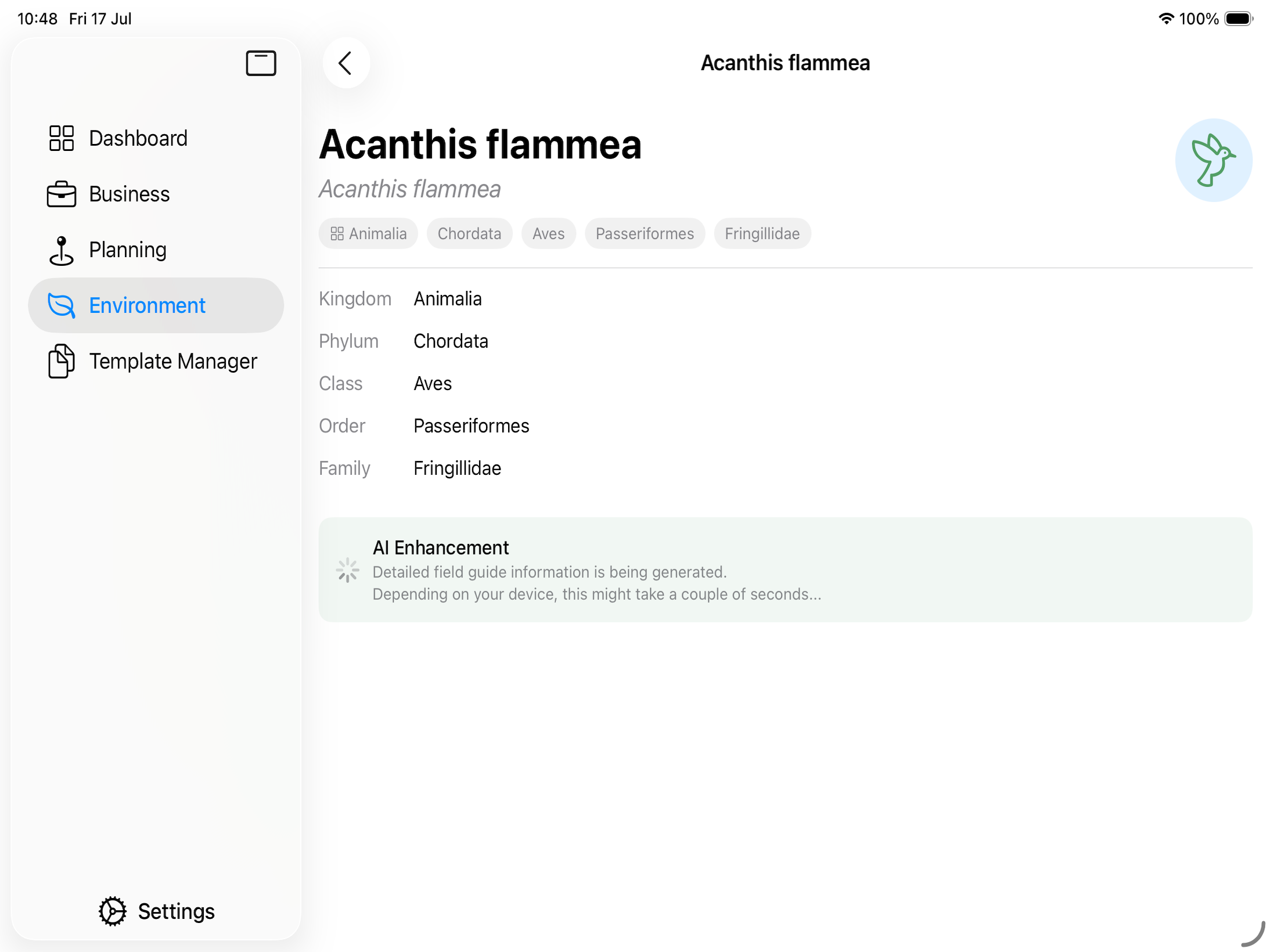
AI Enhancement Status
Note: Some species profiles include an AI Enhancing banner. This indicates that Apex Lucis is in the process of enriching the basic species data with additional field guide content. This is a background process and, depending on the power of your device, might take some time the first couple of times you create Wildlife locations. Enhancement is only performed once per species, so if a species has already been enriched for one location, any other location where it turns up shares the same enriched profile immediately.