Shot Lists
Overview
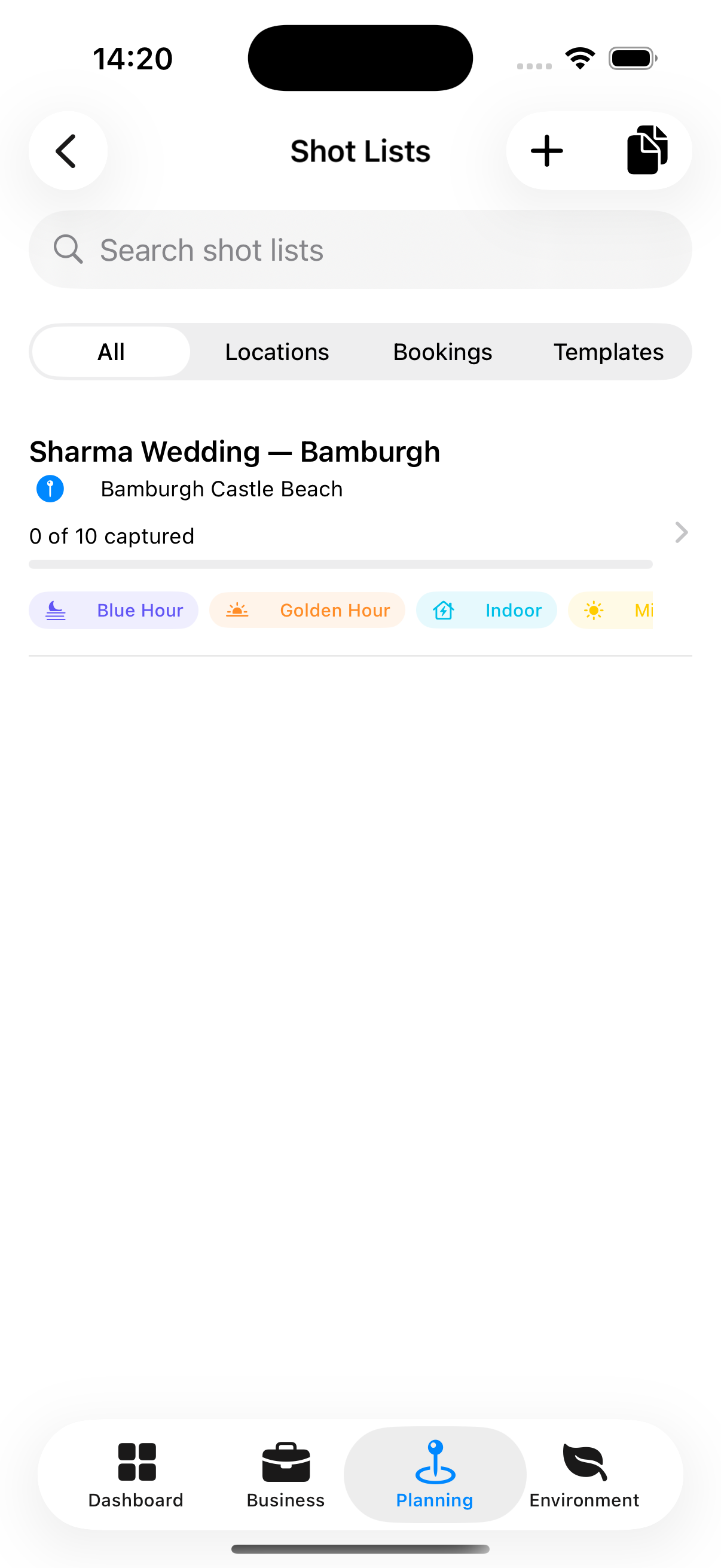
A shot list is a pre-planned inventory of individual photographs you intend to capture on a shoot. Planning shots in advance ensures you don’t miss anything important and helps you brief your crew efficiently.
Accessing Shot Lists
Planning tab → Shot Lists
Creating a Shot List
- Tap +
- Name the list (required)
- Choose a scope:
- For a Booking — Links the shot list to a specific booking
- For a Location — Links to a saved location
- Tap Save
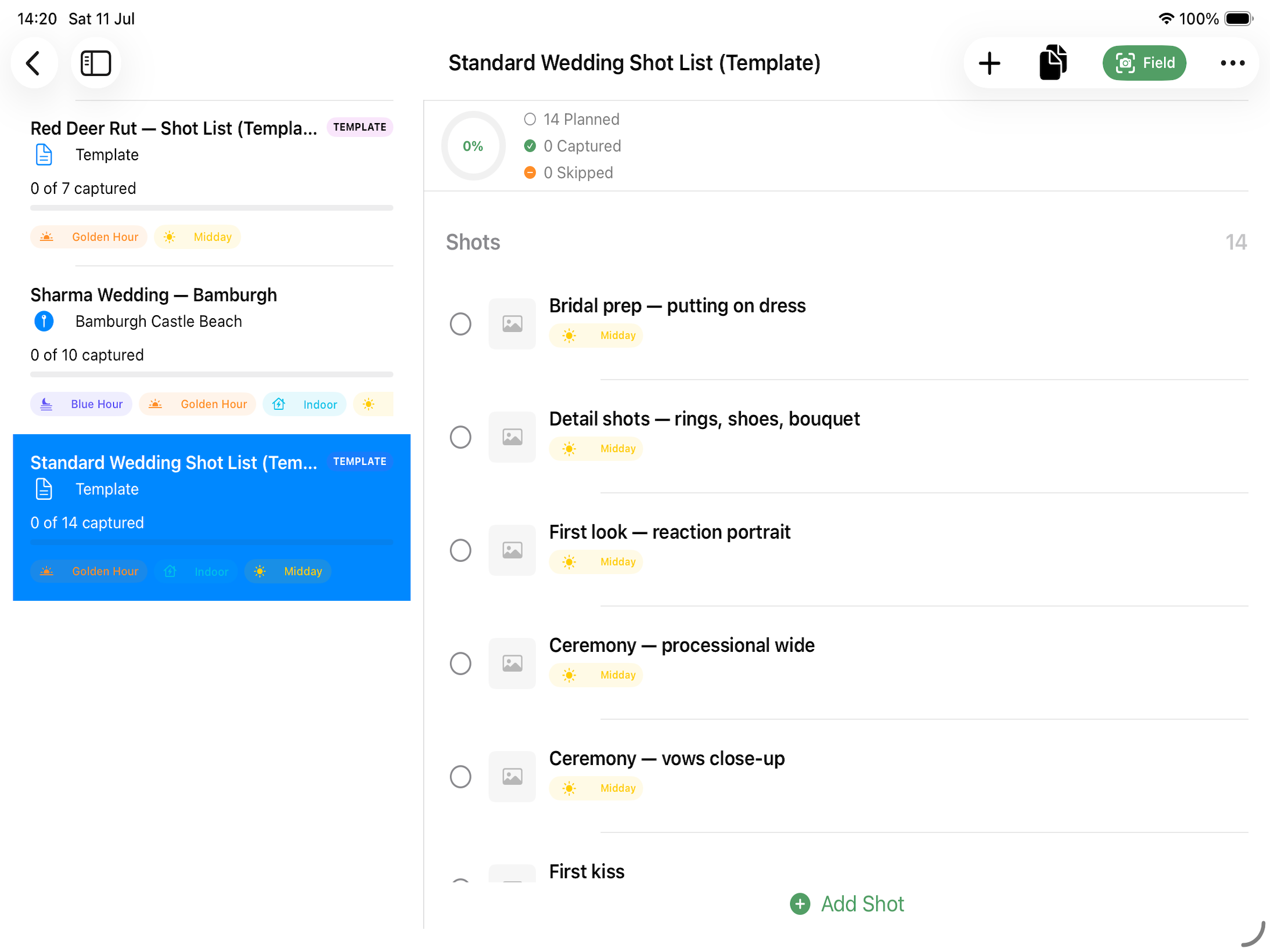
Notes You can mark a Shot List as a template so you can use it as the basis for additional Shot Lists, so you don’t have to type them all out again.
Adding Shots
From the shot list detail screen:
- Tap + Add Shot
- Enter:
- Shot name / description
- Lens — Focal length or lens name
- Exposure notes — Suggested aperture, shutter speed, ISO
- Ideal time — Time of day (golden hour, blue hour, etc.)
- Location pin — Optional link to a specific spot in the location
- Reference Image - Add a reference image to remind you what you are trying to achieve.
- Notes
- Tap Save
Tracking Progress
When in the field tap the Field button to swap into a minimal UI for tracking the shots take. Each shot item has a checkbox. During the shoot, tap the checkbox to mark a shot as captured.
The shot list header (in plan mode) shows the progress (e.g., 12 of 18 shots captured).
Shot List from a Booking
When viewing a booking, the Shot List section shows any shot list associated with the booking and its progress.